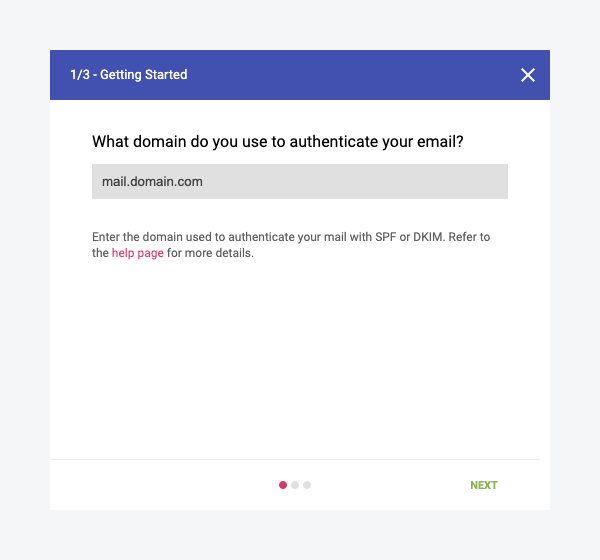
Set up Google Postmaster Tools to monitor Gmail spam rates and domain reputation. Gmail does not share this data directly with email senders.
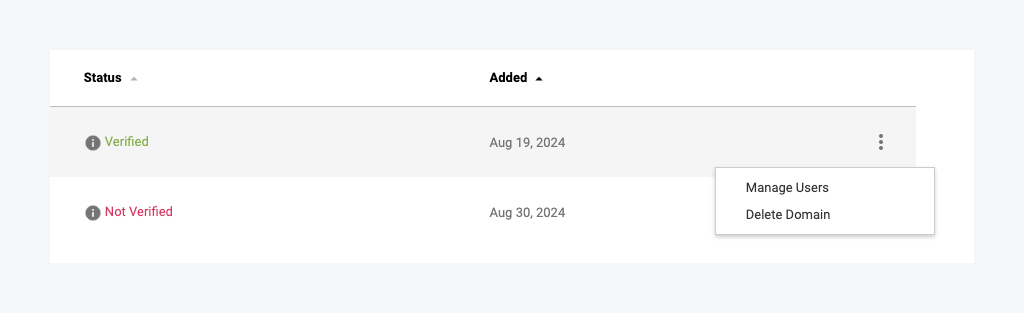
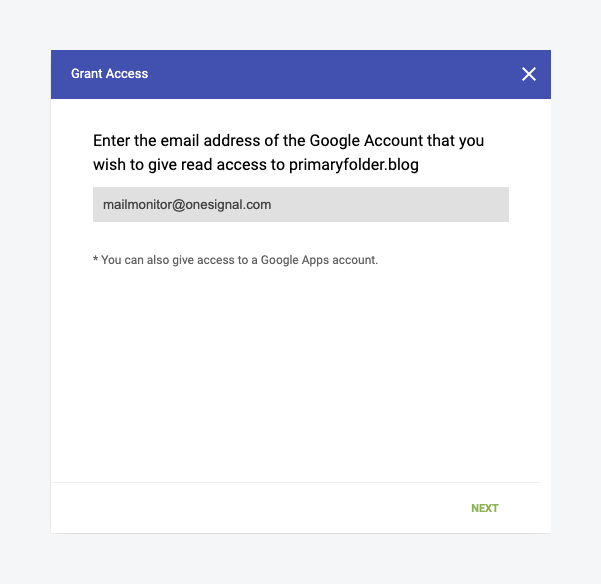
Gmail does not report per-user spam complaints or bounces to email senders. Yahoo, Outlook, and other providers do. For Gmail, that aggregate spam rate and domain reputation live in Google Postmaster Tools.You can connect Postmaster Tools to OneSignal. After you verify your sending domain with Google and add mailmonitor@onesignal.com as a managed user, OneSignal can read your Gmail spam-rate data and show it in Messages > Email > Deliverability insights next to Outlook, Yahoo, Apple, and other providers. You can still open Postmaster Tools directly for full Gmail charts and domain reputation. Use either view to improve your email deliverability.
If you send 5,000 or more emails per day to Gmail, your domain is permanently classified as a bulk sender and you must keep your spam rate below 0.3%. Connect Postmaster Tools to OneSignal before you reach that threshold so you have a Gmail baseline in Deliverability insights.
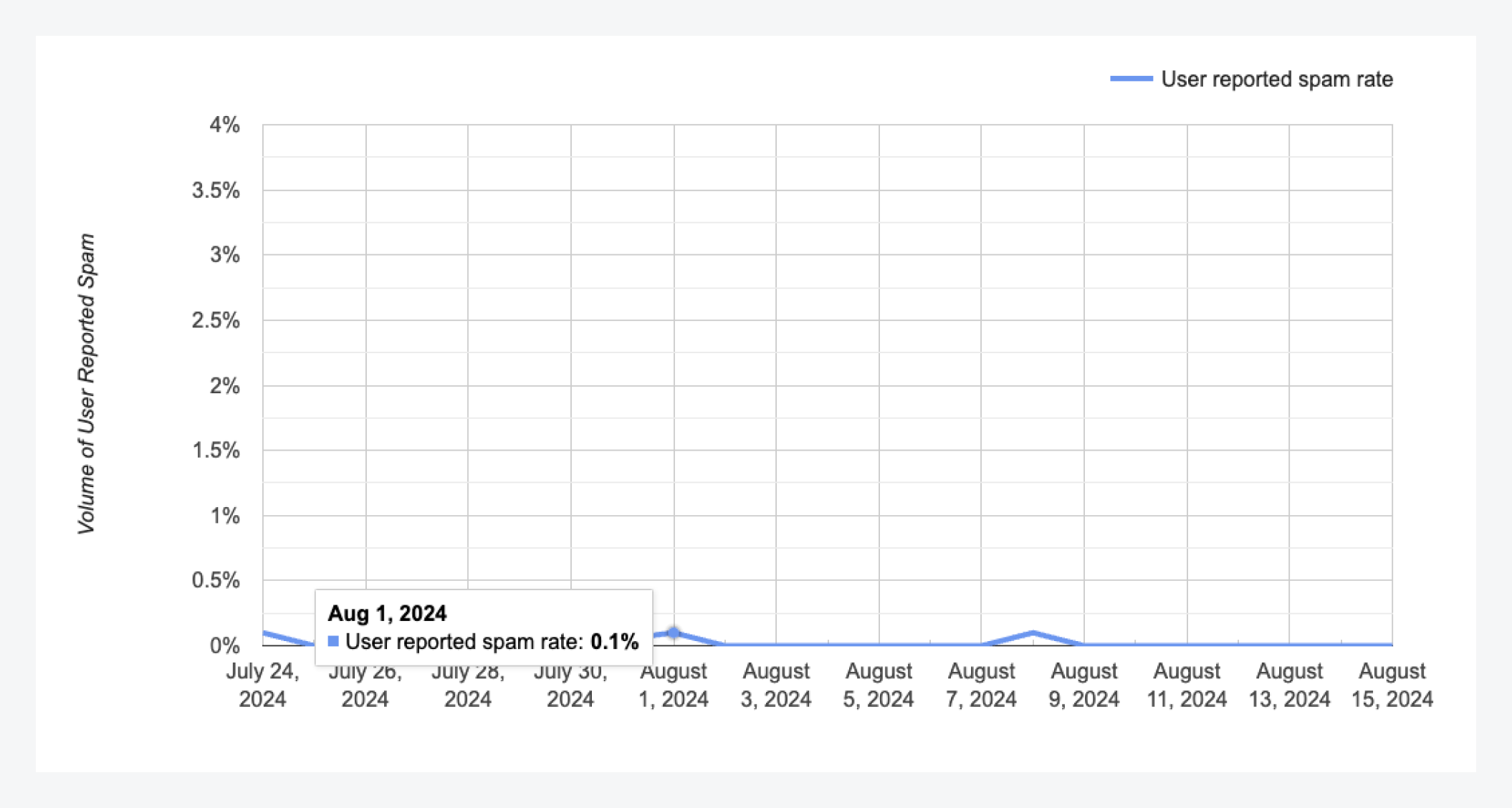
The spam rate is the percentage of your mail volume that Gmail recipients reported as spam on a given day. Google aggregates this data and does not identify individual recipients.You can view it in two places:
Google Postmaster Tools (charts below): the source of truth for Gmail spam rate and domain reputation.
Deliverability insights in OneSignal: Gmail’s spam figure next to other inbox providers, after you add mailmonitor@onesignal.com as a managed user.
This Gmail spam rate is separate from the overall spam complaint rate on the Reputation dashboard. That overall rate excludes Gmail and Apple because those providers do not send per-recipient complaint feedback.Google states: “Keep spam rates reported in Postmaster Tools below 0.10% and avoid ever reaching a spam rate of 0.30% or higher.” See Google’s Email Sender Guidelines.
Gmail spam rate
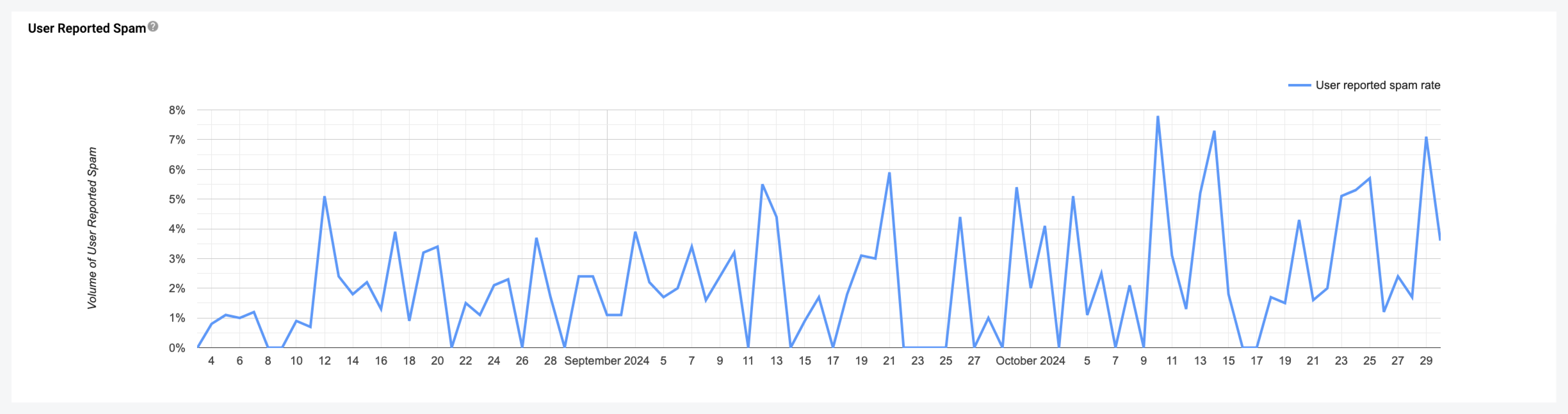
The following example shows a consistently high spam rate, with peaks regularly exceeding Google’s recommended thresholds.
Very high Gmail spam rate
Deliverability insights by provider
See Gmail spam rate next to Outlook, Yahoo, Apple, and other providers in OneSignal.
Email reputation best practices
Lower spam complaint rates and protect your sending reputation.
Why does Google Postmaster Tools show 0% or no data for my domain?
Google Postmaster Tools requires a minimum daily email volume to Gmail before it displays data. If you’re sending low volumes, you may not see any metrics.If you do have sufficient volume, check that you added the correct domain. Data appears for the domain used in the visible “From” address header of your email, not necessarily your return-path or SMTP sending domain. Although you send from your “sending domain,” the from address in the header may be different, causing the sending domain to show 0%.
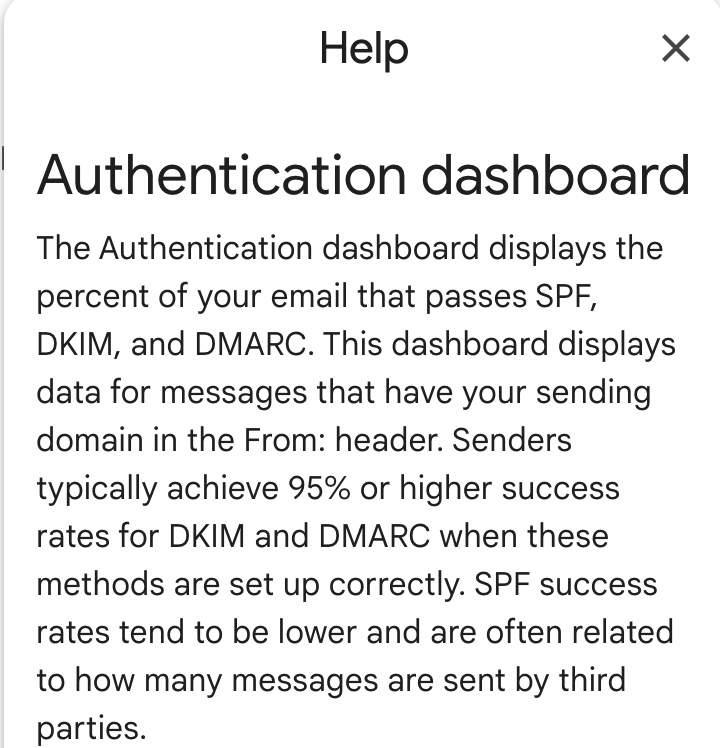
Authentication Dashboard details from Google Postmaster for reference
After you add mailmonitor@onesignal.com as a managed user, Gmail spam-rate data appears in Deliverability insights under Messages > Email. Postmaster-sourced figures lag by about 1–2 days and only show once your domain meets Google’s minimum daily volume. Domain reputation levels (High, Medium, Low, Bad) remain in Google Postmaster Tools.